Nitter Alternative: Read X Without Login
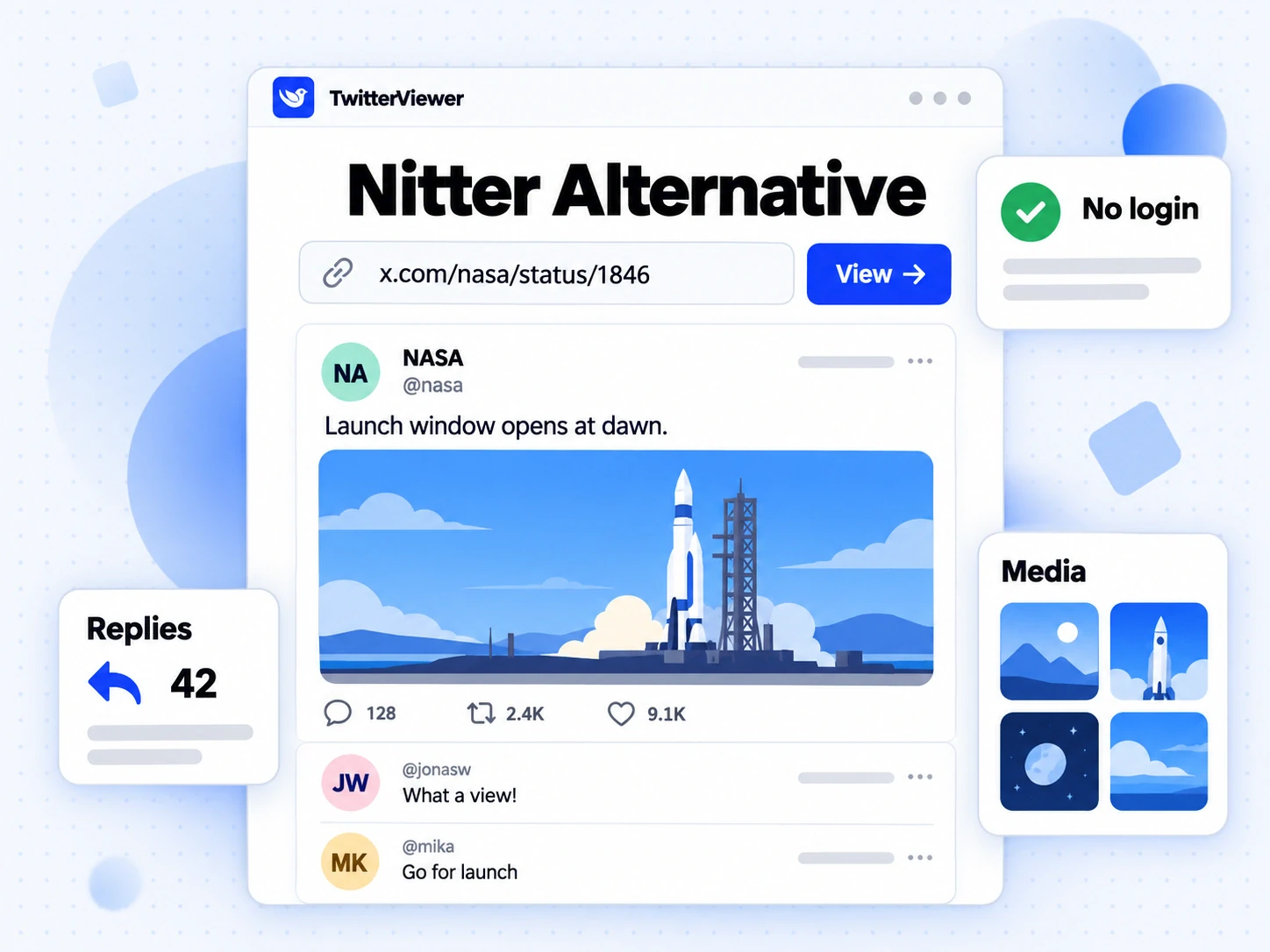
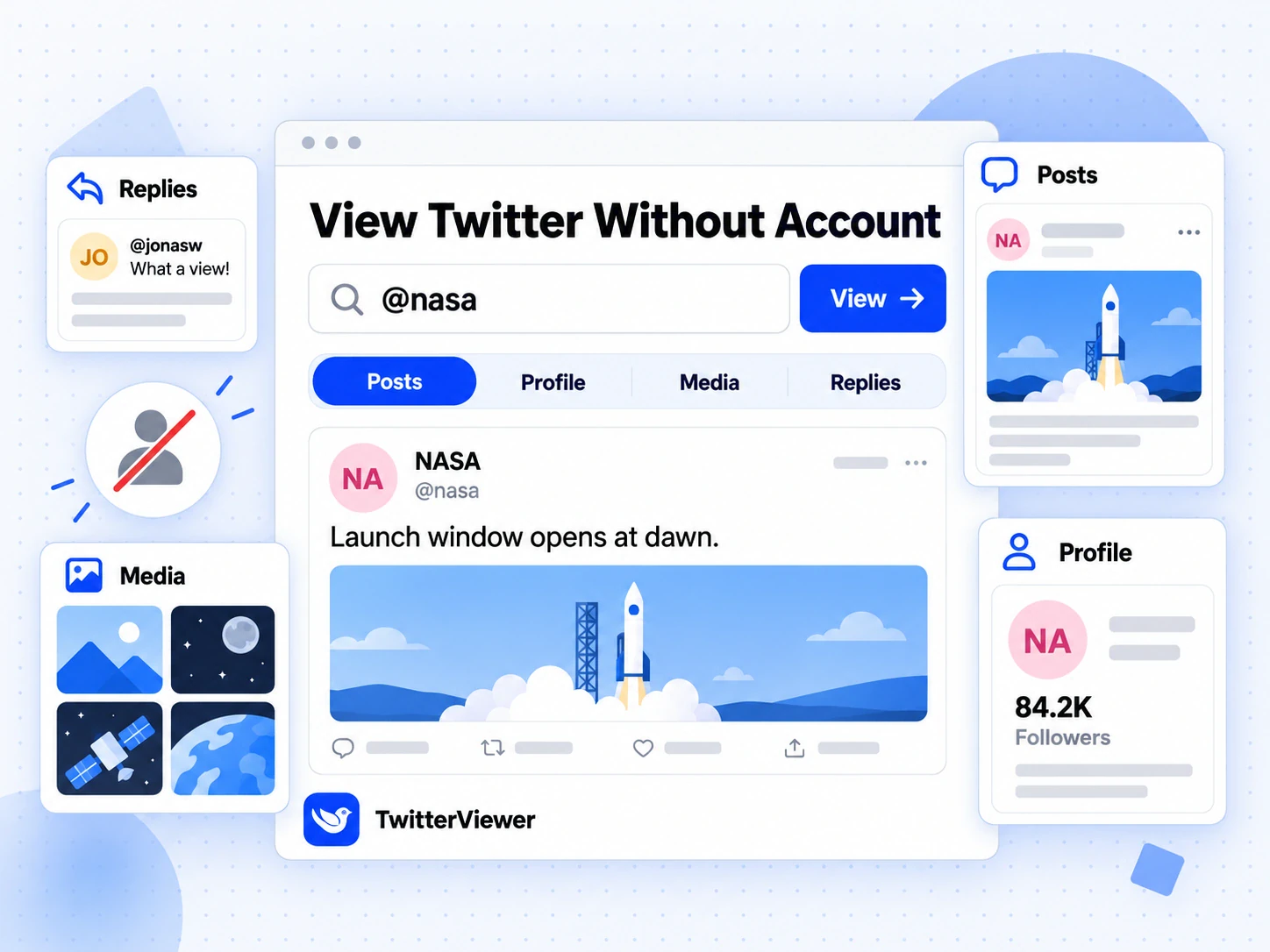
If you are looking for a Nitter alternative, the short answer is a hosted Twitter viewer: paste an X link or a username into Twitter Viewer and read the public post, profile, media and replies with no account, no extension and nothing to install. This guide explains what happened to Nitter and XCancel in 2026, why public instances keep going dark, what a good Nitter alternative has to do, plus the few things no viewer can honestly promise.
What happened to Nitter
Nitter was a free, open-source front end for X (Twitter), first released on 19 June 2019. It showed public posts in a plain, fast page without ads, tracking or a login, offered RSS feeds for profiles, and let anyone run their own copy, called an instance. For years, swapping x.com for a Nitter domain in a link was the standard way to read a post without signing in.
The project has been switched off twice. The dates below come from public reporting (Wikipedia's Nitter article and The Register):
| Date | What happened |
|---|---|
| January 2024 | X removed the guest accounts Nitter used to fetch posts; its developer called the project dead |
| 6 February 2025 | Development resumed, now relying on tokens from registered X accounts |
| 24 August 2026 | X Corp sent a cease-and-desist demanding the takedown of Nitter instances and its code repository; XCancel went offline |
| 25 August 2026 | The GitHub repository was archived |
| 6 to 7 September 2026 | The project said it would continue after legal advice, and XCancel came back first |
| 11 September 2026 | The repository was archived again |
| 14 September 2026 | XCancel said it was offline again "until further notice"; the main Nitter site was down too |
When we checked on 22 October 2026, xcancel.com answered with HTTP 451 and a page titled "XCancel service is suspended". Most other public instances either failed to load or sat behind a bot check. A few community instances still answer, but they change from week to week, so any list of working instances goes stale fast.
Why Nitter instances keep breaking
Nitter never had its own copy of X. Every page was fetched live from X, and its fetching method changed over time.
- Guest accounts. Early Nitter used temporary guest sessions that X handed to logged-out visitors. When X removed them in January 2024, every instance stopped at once.
- Account tokens. The 2025 revival used sessions from real, registered X accounts. Each account can only make so many requests before X slows it down or locks it, so a busy public instance needs a steady supply of accounts and still hits limits at peak times.
- Legal pressure. The August 2026 cease-and-desist targeted both the instances and the code. Public instance operators run them as volunteers, and most cannot carry that risk.
None of this means reading public posts is impossible. It means a single volunteer server with one fetching method is fragile. A replacement has to survive one source failing, rate limits and traffic spikes, and it should be clear about where its data comes from.
What people used Nitter for
Most people looking for a Nitter alternative did not care about Nitter itself. They wanted one of a handful of jobs done, and each one maps to a page on this site:
| What you used Nitter for | Where it lives now | Needs an X account? |
|---|---|---|
| Read a post and its replies from a shared link | Twitter Viewer on the home page | No |
| Browse an account's posts and bio | Profile viewer | No |
| Look through an account's photos and videos | Media viewer | No |
| See what an account replied to others | Reply viewer | No |
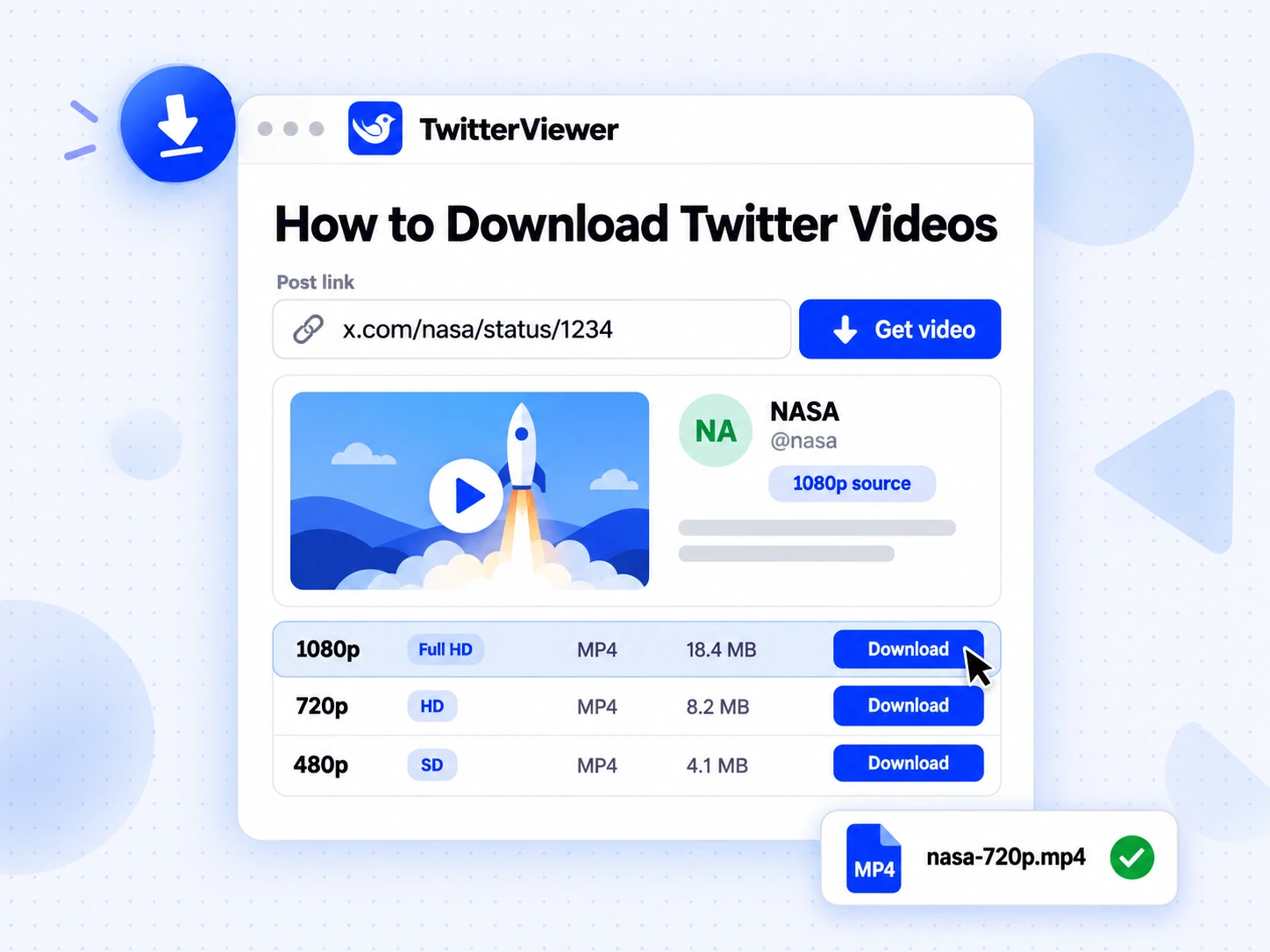
| Save a video or GIF from a post | Video downloader | No |
| Swap the domain in a link | Same URL paths, see the next section | No |
| Follow an account through RSS | Watchlist alerts instead, on paid plans | No |
| Search X by keyword | Advanced search, Pro and Business | Yes, your own |
Two rows are different, and it is better to say so up front. There are no RSS feeds here; the closest replacement is the watchlist, covered below. Keyword search is not free and not anonymous, because X only returns search results to logged-in people, so it runs through your own connected X login.
Nitter alternative in one step: swap the domain
The habit that made Nitter popular was the link swap: replace x.com with an instance domain, and that post opens without a login wall. That habit carries over unchanged, because TwitterViewer uses the same paths as X.
- Copy any public X link, for example
https://x.com/NASA/status/1234567890. - Replace
x.com(ortwitter.com, or an old Nitter domain) withtwitterviewer.app. - Open it. A post link opens the post with its thread and replies; a profile link such as
twitterviewer.app/NASAopens the profile.
If you would rather not edit links by hand, the Open from X bookmarklet does it in one click: on any public post, profile or hashtag page on x.com, tap the bookmark to open that page here. On Android you can install the site and share a link from the X app straight into it. Old Nitter links work as well: keep the path and change only the domain.
What makes the best Twitter viewer
There is no single best Twitter viewer for everyone, but there are clear tests. When you compare any Nitter alternative, including this one, check these points:
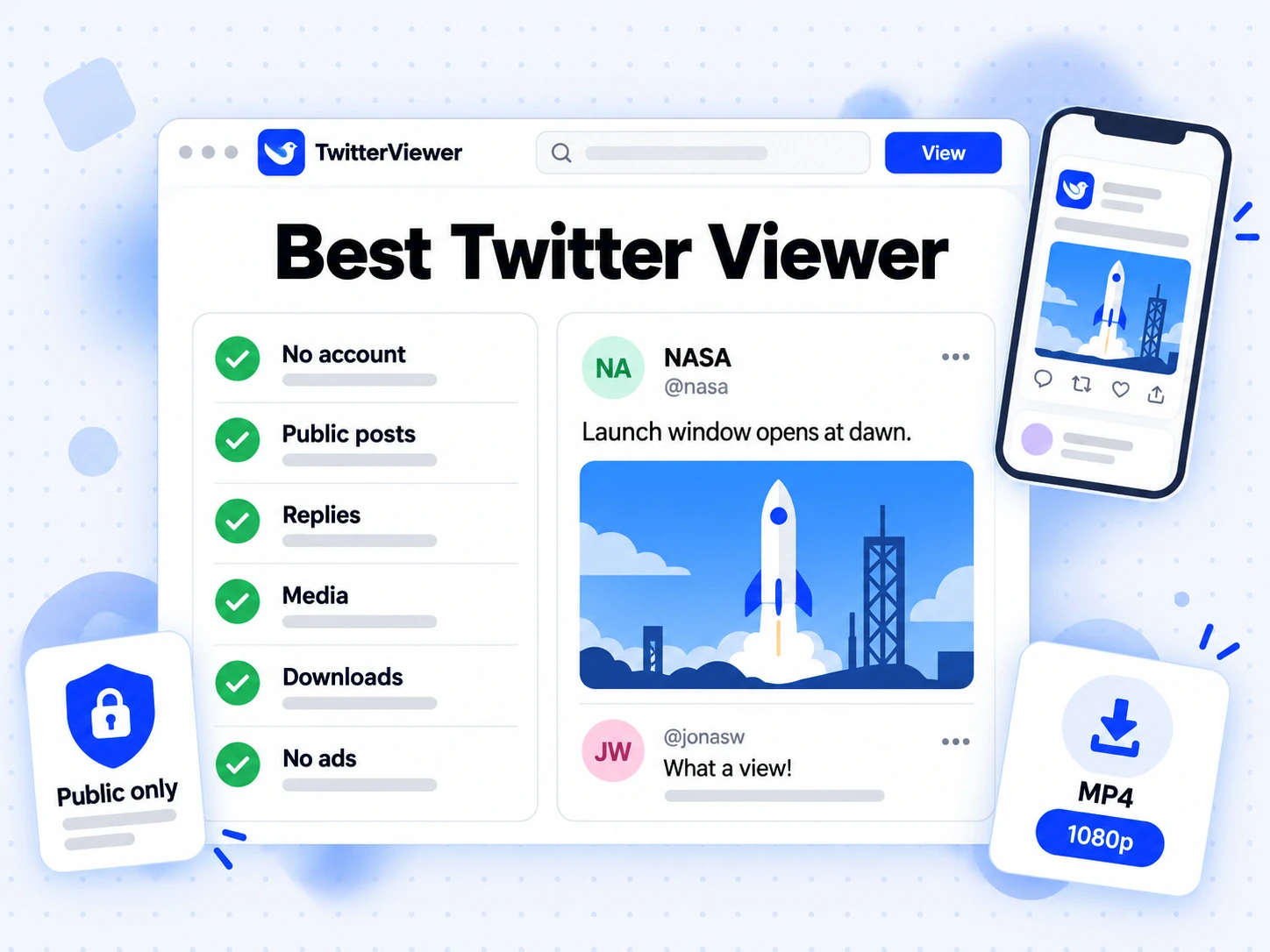
- No account, really. Reading a public post should not ask you to sign in to X, install an extension or hand over cookies.
- Honest about protected accounts. A viewer only sees what X shows any visitor. A site that promises to open protected or private accounts is not telling the truth, and it is often after something else.
- More than one source. A viewer that depends on one fetching method goes down with it, as Nitter did. TwitterViewer reads from X through more than one source with a cache in front, so a single failure does not take the page down.
- Replies in context. Reading a post is half the job. The replies should sit under it, and an account's replies should show the post they answer.
- Media and downloads. Photos, videos and GIFs should open full size, and saving a clip should not need a second site.
- No ads, no third-party trackers. Many viewers pay for themselves with heavy ads. A clean page was half of Nitter's appeal.
- Works on a phone. Most shared links are opened on a phone, so the layout has to work there without an app.
TwitterViewer is built to pass every one of these. You can judge it on the same terms in about ten seconds: paste a link and see what comes back.
XCancel alternative: the same job, a different host
XCancel was the most used public Nitter instance, and for many people it simply was Nitter. Anyone who relied on it can treat this site as an XCancel alternative in the same way: the paths match, reading needs no account, and there is nothing to configure.
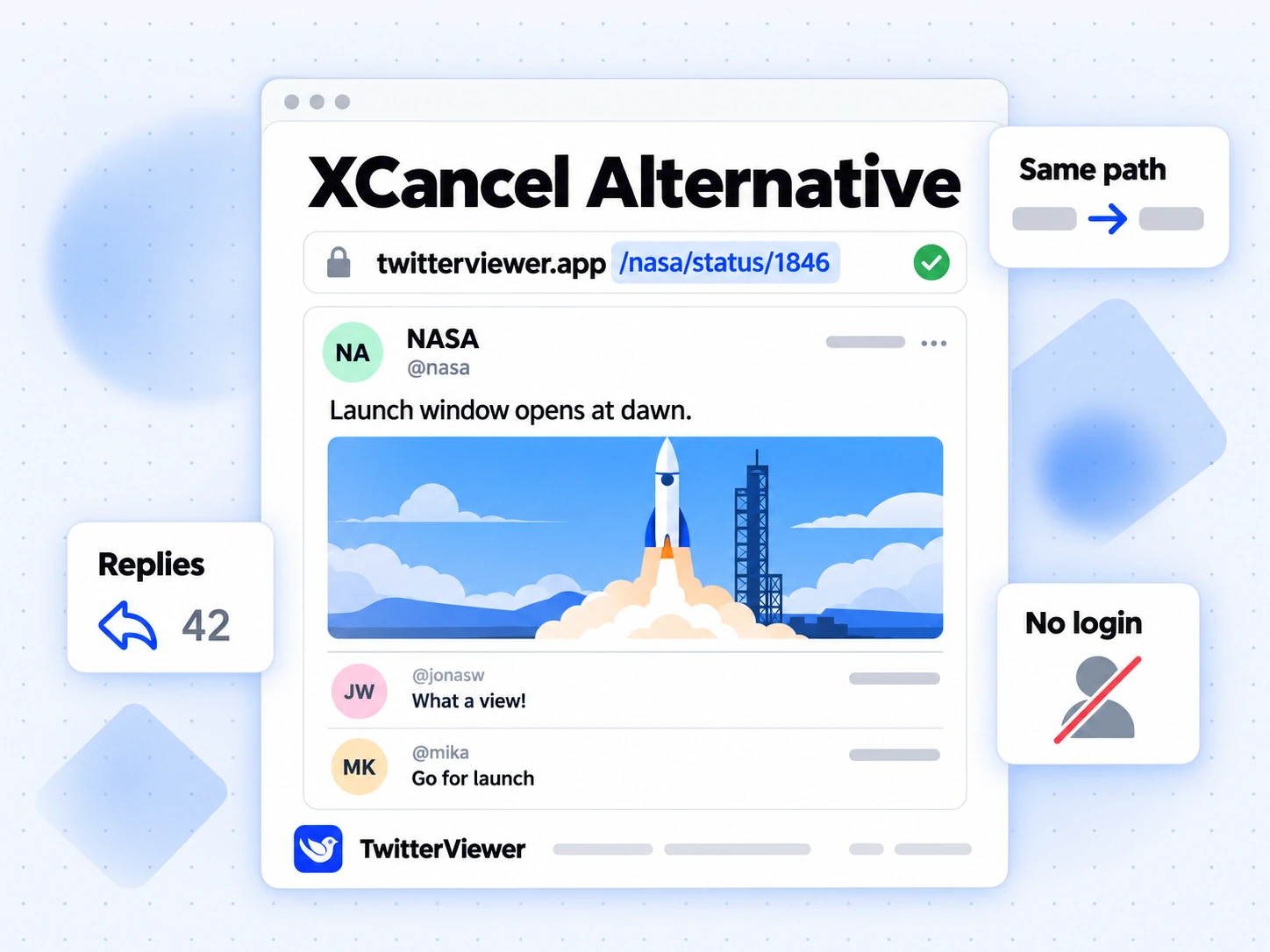
What carries over:
- Reading public posts, threads, quoted posts and replies.
- Profiles with their posts, media and the first page of replies.
- A plain page with no ads and no login wall.
- Link swapping and a one-click bookmarklet.
What does not:
- RSS feeds. Not offered. Use the watchlist if you need to know when an account posts.
- Self-hosting. TwitterViewer is a hosted service, not software you install.
- A volunteer setup. It is a product with a free plan and paid plans, which is how it pays for the X access and servers that a public instance struggles to fund.
Self-hosting Nitter or using a hosted viewer
Instead of a Nitter alternative, some people's first instinct is to run a private Nitter instance. It can still work, with caveats worth weighing:
| Self-hosted Nitter | Hosted viewer such as TwitterViewer | |
|---|---|---|
| Setup | A server, the archived code, and your own X account sessions | None, open a web page |
| Upkeep | You fix it when X changes something | Handled for you |
| Account risk | Your X accounts do the fetching and can be limited or locked | No X account needed for reading |
| RSS | Yes | No, watchlist alerts instead |
| Media downloads | Limited | Video and GIF downloaders built in |
| Who sees your requests | Only you | The host, like any website |
Self-hosting makes sense if you are comfortable maintaining a server and want RSS above everything else. If you just want to read a link someone sent you, a hosted Twitter viewer removes all of that work.
What no Nitter alternative can do
Some limits come from X, not from any viewer, and they apply to every Nitter alternative you will find:
- Protected accounts. Posts from accounts that approve their followers are not public. No viewer can open them, and no trick gets around that setting. The guide on what a no-login viewer can see explains the boundary in detail.
- Deleted, suspended or deactivated accounts. Once X stops serving a post or profile, it is gone from every viewer.
- Direct messages and private lists. These never leave your own logged-in session.
- Logged-in-only data. Advanced search, community member lists, the Likes tab and deeper pages of replies are only shown by X to logged-in people. Here they are part of Pro and Business and run through X login details you connect yourself. Nothing on this site claims to do them without an account.
Is a Nitter alternative private?
Nitter's privacy model was simple: X never saw your browser, only the instance did. A hosted Twitter viewer works the same way. When you open a post here, the request comes from TwitterViewer's servers, not from your X session or your browser, and the author is not notified.
That still means trusting the host, exactly as you trusted whoever ran your Nitter instance. Here is what that trust covers on this site:
- No ads and no third-party trackers on any page.
- The viewer only reads. It never likes, follows or posts for you.
- Requests are rate-limited by IP address or account, which the site needs to stay up; it does not build a profile of what you read.
- A free account is optional and only used for bookmark sync and paid plans.
For more on reading X with no login, see the guide to viewing X posts without logging in.
Following accounts without RSS
RSS was the Nitter feature people miss most, usually for one reason: knowing when an account posts without checking it by hand. The watchlist covers that job differently. You add accounts, choose how often they are checked, and get an alert when something new appears.
- Plus: 10 accounts, checked up to once an hour, with email alerts.
- Pro: 50 accounts, checked as often as every 15 minutes, with email, Telegram and webhook alerts. A webhook can feed your own tools much like an RSS reader would.
- Business: 200 accounts, with checks down to every 5 minutes.
The watchlist is not part of the free plan. Plans and prices are on the pricing page. Reading itself stays free: posts, profiles, media, replies, account location and video downloads, with 180 view requests per hour and 10 video lookups per day on the free plan.
Nitter Alternative FAQs
What is the best Nitter alternative?
For reading public posts, the closest replacement is a hosted Twitter viewer that needs no account, keeps the same link paths and shows replies and media in one place. TwitterViewer does all three. If RSS feeds matter more than anything else, a self-hosted Nitter instance is the only option that still offers them.
Is Nitter shut down?
Mostly, yes. After X Corp's cease-and-desist on 24 August 2026, the repository was archived, revived briefly in early September and archived again on 11 September. XCancel said it was offline again on 14 September, while the main Nitter site was down. A few community instances still answer at times, but they are unreliable.
Why was Nitter discontinued?
Twice for different reasons. In January 2024, X removed the guest accounts Nitter used to fetch posts. In August 2026, X Corp sent a cease-and-desist targeting its instances and code, so the project stopped development while it took legal advice.
Will Nitter come back?
Nobody can say. The project announced it would continue on 6 September 2026 and then archived the repository again days later. Even if it returns, public instances depend on volunteers and a supply of X accounts, so they are likely to stay fragile.
Why does Nitter not work for me?
The instance you are using is probably offline, rate-limited by X or behind a bot check. Since September 2026 most public instances have been down. Swapping the domain for twitterviewer.app and keeping the rest of the link opens the same post here.
Is there a Nitter alternative with RSS?
Not among hosted viewers that we can vouch for. TwitterViewer has no RSS feeds; its watchlist sends email alerts on Plus, and email, Telegram or webhook alerts on Pro and Business, when a followed account posts. A self-hosted Nitter instance can still produce RSS if you supply your own X account sessions.
Can a Nitter alternative show protected accounts?
No. Protected posts are only visible to followers the owner has approved, and no viewer can get around that. Any site that claims otherwise is not telling the truth.
Do I need an X account to use TwitterViewer?
No, not for reading. Posts, profiles, media, replies, account location and video downloads work without any account. Only advanced search, community member lists, the Likes tab and deeper reply pages need an X account, because X only gives that data to logged-in people, and they are part of Pro and Business.
Is TwitterViewer free?
Yes, for reading. The free plan covers every reading feature with 180 view requests per hour and 10 video lookups per day. Paid plans add unlimited use, the watchlist and every feature that needs a connected X account.
Does it work on a phone?
Yes. It runs in any mobile browser with nothing to install. The bookmarklet works as a mobile bookmark, and on Android you can share links from the X app straight into the installed site.
What is a Twitter viewer?
A Twitter viewer is a website that shows public X (Twitter) posts, profiles and media to people who are not logged in to X. Nitter was the best-known open-source one; TwitterViewer is a hosted one that adds replies in context, media downloads and an account location check.